I have been in love with 3d printing ever since I got my Ender 3 for Christmas 3 years ago. Since then I have experimented with multiple printers across different brands because different printers are better than others for different things. I have decided to compile my knowledge of 3d printers into a list of budget printers in order from what I think provides the most value per dollar spent. Each printer will have an affiliate link if you decide to purchase one. All of these printers will be from Amazon since I only do my online shopping on Amazon.
I would also like to clarify that this list is based on my personal experience with the printers and the brands. I have not done any formal testing. I will link YouTube videos of reviews for each printer. None of the videos are made by me, but they offer an unbiased perspective for each printer. I highly recommend watching one of the reviews before you buy one.
1. Flashforge AD5M

Pros:
- The printer comes pre-assembled; you only need to unscrew a few screws then attach the spool holder and screen.
- Cheap; this printer is one of the cheapest pre-built printers you can buy, coming in at around $350.
- Frequent Sales; this printer is frequently on sale.
- Fast; this printer can travel up to 600 mm/s.
- Good print quality; in my experience this printer can produce really good looking 3d prints.
- Decent Build Plate; the build plate is 250mm x 250mm x 250mm.
Cons:
- Loud; this printer is loud compared to other printers on this list.
- Add-ons are kind of expensive; you can get a camera add-on which costs about $40. I haven’t personally bought the add-on, but I hear the camera is pretty low quality as well.
Purchase the printer here (affiliate): https://amzn.to/48oA5vv
Video Review: https://www.youtube.com/watch?v=kIgNN8YrycA
2. Flashforge AD5X

Pros:
- Multi-color printer.
- Cheap; cheapest multi-color printer on the market. It is listed at $399.
- Fast; This printer can print up to 600mm/s.
Cons:
- Loud; this printer has the same issue as the AD5M.
- Add-ons are a bit pricey; the camera is not required to use this printer, but if being able to see the printer through the Flashforge app as it’s printing is important to you; be prepared to spend another $40. However, this printer is still cheaper than other printers in this categories even with the extra $40.
Purchase the printer here (affiliate): https://amzn.to/48HxbAU
Video Review: https://www.youtube.com/watch?v=Flp13-m82Z4
3. Bambu Lab A1

Pros:
- Decent build plate; the build plate is 250mm x 250mm x 250mm.
- Quiet; prints at around 48 decibels according to the Amazon listing, which can be compared to the sound of background chatter.
- Fast setup; It took me a little more than an hour to set up mine, but it’s apparently closer to 30 minutes if you read the instructions.
- Multi-color (with AMS).
- Great supports; the supports break off much easier than any other printer I’ve used. Granted the supports are a common praise for Bambu printers.
Cons:
- Can’t print TPU (AMS); you can’t print TPU with the AMS system or it will get jammed.
- Loading difficulty; Sometimes the filament will not load properly into the AMS system, which means the print will pause until you fix it. This is not fixed with my printer after just simply resuming the print enough times.
Purchase the printer without AMS here (affiliate): https://amzn.to/3MhNCfL
Purchase the printer with AMS here (affiliate): https://amzn.to/3XAf3Uq
Video Review: https://www.youtube.com/watch?v=_gmGAFoNWIA
4. Bambu Lab A1 Mini

Pros:
- Reliable; the printer consistently prints high quality. Failure is very rare.
- Easy set up; according to the Amazon listing, it only takes 20 minutes to set up your first print. Again, this is assuming you read the instructions, which I still haven’t learned to do.
- Cheap; the printer is listed at only $219 without the AMS system, and it’s about $600 with the AMS system.
- Good supports; this printer also produced easy to break off supports.
- Fits in crammed spots; although the smaller bed size is a con, the smaller body also allows for the printer to fit in places where space is a scarce resource.
Cons:
- Small; the build plate is only 180mm x 180mm x 180mm.
Purchase the printer without AMS here (affiliate): https://amzn.to/3YbfHYF
Purchase the printer with AMS here (affiliate): https://amzn.to/4a26clW
Video review: https://www.youtube.com/watch?v=PKsKE4n10Ig
5. Creality Ender 3 V3 KE
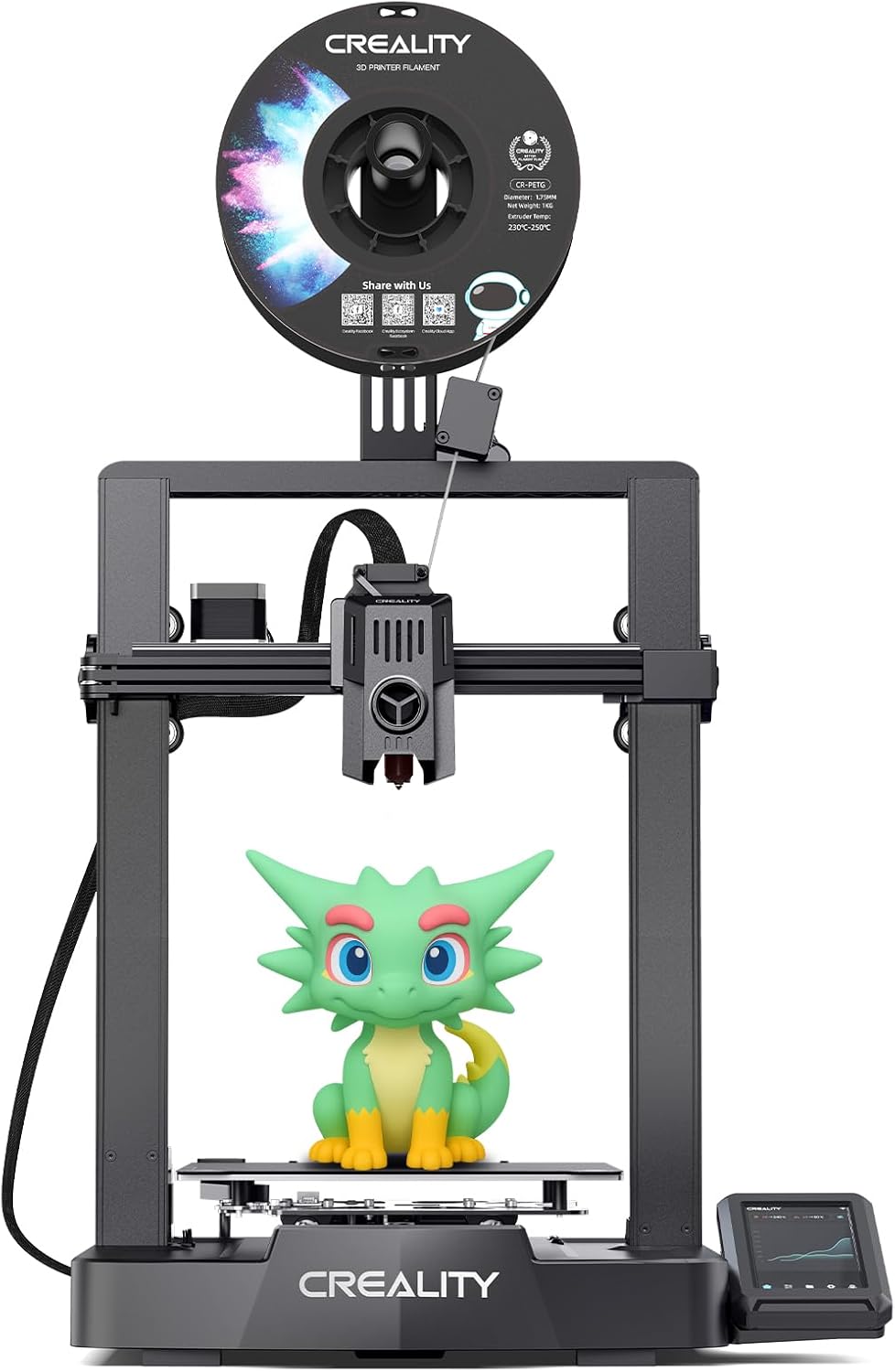
Pros:
- Decent build plate; the build plate is 250mm x 220mm x 220mm.
- Cheap; Listed at only about $325.
- Auto-level; my first Ender 3 didn’t have auto level, so I figured it was worth mentioning that the newer versions of Creality’s Ender 3 line have it.
Cons:
- Risk; some reviews report the printer being extremely reliable, but others report it not working after only a few months. This risk is the reason it’s so low, but I’d consider ranking it higher in the future is Creality can improve their quality control.
Purchase the printer here (affiliate): https://amzn.to/4pSJYYb
Video review: https://www.youtube.com/watch?v=XIbYbsNvKyA
Conclusions
I personally recommend the Flashforge AD5M as the best beginner 3d printer. It’s cheap, reliable, and easy to use. If you’re tight on space then go with the A1 mini due to its smaller size. If you want multi-color printing I will recommend the Flashforge AD5X, but any Bambu printer with the AMS system will also do very good. If you want a quiet printer then go with the A1 or A1 mini. You can get an enclosure to make them even quieter.
 Technical Post
Leave a comment